Home Office Upgrades: Monitor, Chair and Keyboard
Three upgrades make a home desk more comfortable: a better monitor, a supportive chair and a keyboard that fits your hands. What to check on each, and what to skip.
Cobalt SignalEP-318
We may earn a commission if you buy through links in this guide. How we make money
A 27-inch 1440p IPS monitor
It gives sharper text and more room for windows than a basic 1080p screen, at a fair cost.
If you spend six or more hours at a desk, three things touch your body all day: your eyes on the monitor, your back on the chair, and your hands on the keyboard. Those are the places to spend money first. A lamp, a desk mat and a fancy webcam can wait.
This guide covers what to check on each, in order of how much comfort you get back. Nothing here is medical advice. If you have ongoing pain, see a doctor or physical therapist.
The monitor
Look at size, resolution and panel type.
- Size and resolution. A 24-inch screen at 1080p is fine for basic tasks. At 27 inches, 1440p (also called QHD) keeps text crisp. 4K is nice for photo and video work but needs a capable computer and often scaling.
- Panel type. IPS panels have good color and wide viewing angles. VA panels have deeper blacks. For office work, IPS is a safe pick.
- Refresh rate. 60 Hz is enough for work. 100 to 144 Hz feels smoother when scrolling, if you can afford it.
- Ports. A USB-C port that charges your laptop and sends video over one cable keeps the desk clean.
- Stand. Height adjustment matters. The top of the screen should sit at or just below eye level. A monitor arm solves a poor stand.
Well-known lines include Dell UltraSharp, LG UltraFine and Ultragear, ASUS ProArt and BenQ.
The chair
A good chair adjusts to you. Look for:
- Seat height so your feet rest flat and your knees sit near a right angle.
- Lumbar support that fills the curve of your lower back.
- Adjustable armrests so your shoulders stay relaxed.
- Seat depth that leaves a couple of fingers between the seat edge and the back of your knees.
- Breathable mesh or firm foam for long days.
Common lines to look at are Herman Miller Aeron and Sayl, Steelcase Series 1, and Branch Ergonomic Chair. Used office chairs from these makers are often a smart way to get a premium seat for less.
The keyboard
| Type | Feel | Suits |
|---|---|---|
| Membrane, full size | Soft, quiet | Budget and shared spaces |
| Mechanical | Clicky or smooth, long lifespan | Heavy typists |
| Low-profile wireless | Flat, laptop-like | Those who switch between laptop and desktop |
| Split ergonomic | Hands angled apart | Anyone with wrist or shoulder discomfort |
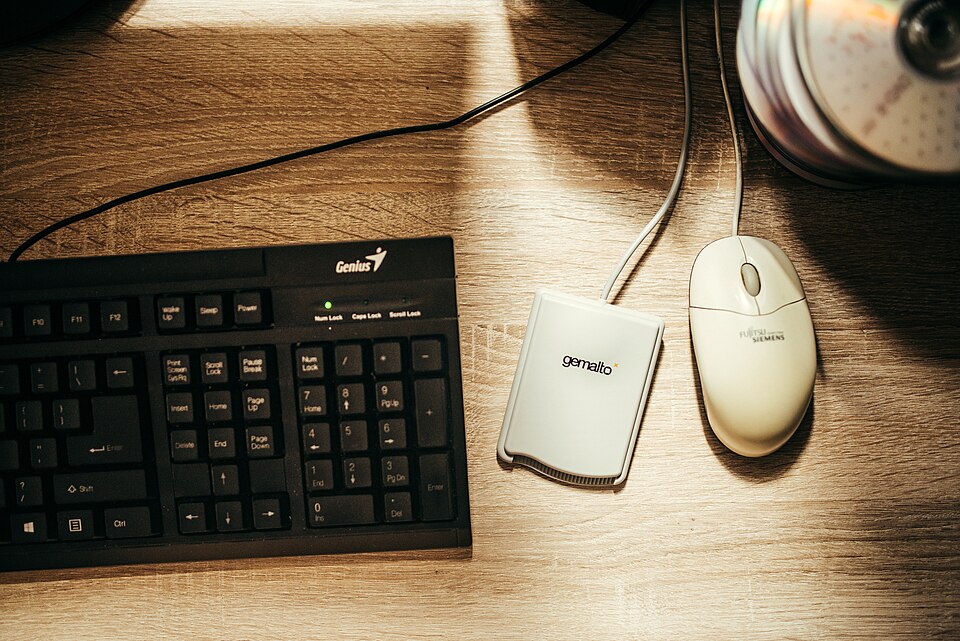
Logitech MX Keys, Keychron, Das Keyboard and Microsoft Ergonomic Keyboard are known lines. Choose a size that lets your mouse sit close to the keyboard, so your arm does not reach out.
What to skip at first
Some upgrades sound smart but give little back. A curved ultrawide monitor looks great, yet two regular monitors cost less and are easier to arrange. RGB lighting and extra macro keys do not help you type. A standing desk can be worth it, but only if you will use it, so try standing at a counter first. A footrest, a laptop stand and a wrist rest cost little and can help if your setup feels off. Buy those after the big three. Also check your return window on a chair or monitor. You will know within a week or two whether it suits you, and a store that takes returns lets you fix a wrong pick without losing money.
Set it up right
- Place the monitor an arm's length away, with the top edge at eye level.
- Sit with feet flat, hips back in the chair, elbows close to a right angle.
- Keep the keyboard and mouse at the same height as your elbows, with wrists straight.
- Take a break every 30 to 60 minutes. Stand, stretch, look at something far away.
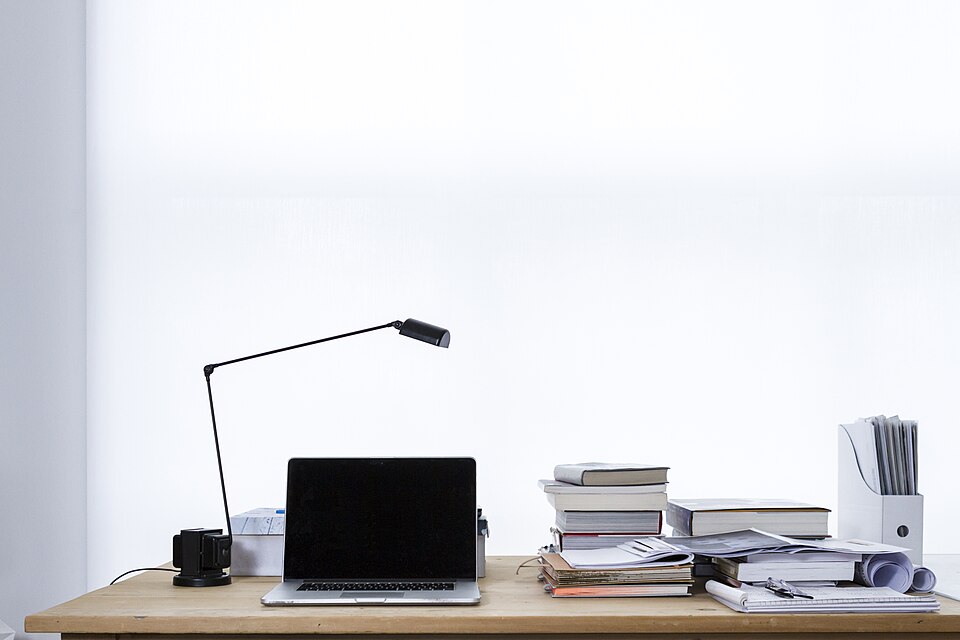
- Add light. Place a lamp to the side so the screen does not glare.
If you also need a computer, our budget laptop guide covers what to buy. And once the desk is set, smart plugs can put your lamp and power strip on a schedule.
The bottom line
Spend where your body touches the setup. A 27-inch 1440p monitor, an adjustable chair and a keyboard that fits your hands will make a bigger difference than any desk accessory. If your budget is tight, buy the chair first, since a seat that supports you pays off all day.
Photo: Shixart1985, CC BY 2.0, via Wikimedia Commons.