Choosing a Budget Laptop for School and Work
What a budget laptop needs for school and office work: memory, storage, screen, battery and build, plus the kinds of laptops that suit each user.
Cobalt SignalEP-318
We may earn a commission if you buy through links in this guide. How we make money
Acer Aspire 5 laptop
A long-running mainstream line that balances memory, storage and screen size at a modest price.
A budget laptop can handle email, documents, video calls and a dozen browser tabs without trouble, as long as you check a few specs. The cheapest models often cut corners on memory, storage and screen quality, and those are the cuts you notice every day.
Use the list below to separate a sensible low-cost laptop from one you will regret.
The specs that matter most
- Memory (RAM). Aim for 8 GB. A 4 GB laptop slows down fast with several browser tabs open. If you plan to keep it for years, 16 GB gives you room.
- Storage. Pick a solid-state drive (SSD), not an old hard drive. 256 GB is a minimum for most people, and 512 GB is more comfortable.
- Processor. A recent Intel Core i3 or i5, AMD Ryzen 3 or 5, or an Apple M-series chip is enough for school and office tasks.
- Screen. Look for a Full HD (1920 by 1080) panel. Very cheap laptops may have lower resolution and dim, washed-out screens.
- Battery. Claimed hours are usually best-case. Look for a model rated at 8 hours or more, and expect somewhat less in real use.
- Keyboard and trackpad. You will use these daily. A comfortable keyboard matters more than a thin chassis.
Choosing by operating system
| Type | Good for | Watch out for |
|---|---|---|
| Windows laptop | Most software, wide price range, many models | Quality varies widely at low prices |
| Chromebook | School, web apps, Google Docs, long battery life | Limited offline software |
| MacBook Air (older or refurbished) | Longevity, good screen and trackpad | Higher cost; check storage size |
Well-known budget lines
The Acer Aspire 5, Lenovo IdeaPad and HP Pavilion or 15-inch lines are common choices for students and office workers. Check the specific configuration, since the same name can come with very different memory and storage. For a Chromebook, models like the Lenovo Chromebook Duet or Acer Chromebook Spin suit classroom use. If you want a refurbished MacBook Air with an M-series chip, buy from a seller with a clear return and warranty policy.
What to prioritize by user
- Middle or high school student: a Chromebook or a sturdy Windows laptop with 8 GB of RAM and a good battery.
- College student: Windows or Mac with 8 GB of RAM, a 256 GB or larger SSD and a light body for carrying around campus.
- Remote worker: a clear webcam and microphone, a comfortable keyboard and 16 GB of RAM if you juggle many apps.
- Light home use: any of the above that fits your budget.
Extras that help
A laptop stand and an external keyboard make long days easier, and our post on home office upgrades shows what is worth adding. A padded sleeve protects the machine in a backpack, and a portable charger is useful too; see our guide to reading mAh and watts for choosing one that works with laptops.
Used and refurbished options
A business-class laptop that is a few years old, such as a Lenovo ThinkPad or Dell Latitude, often has a better keyboard and build than a new machine at the same price. Buy refurbished from a seller that offers a warranty and a return window, and check the battery health, since batteries wear with age. Make sure the processor is recent enough to get security updates and run the software you need. A good used laptop can be a smart pick for students who need to stretch a budget.
Buying smart
Look at sales during back-to-school season and major shopping weekends, when prices on current models often drop. Check the return window, and read the product page for the exact specs, not just the model name. Be wary of laptops with "up to" claims and no clear numbers. Take the time to test the screen and keyboard in a store if you can.
The bottom line
For school and work, aim for 8 GB of RAM, an SSD of at least 256 GB, a Full HD screen and a battery that lasts a school day. A line like the Acer Aspire 5 hits those marks for a modest price. If you only use web apps, a Chromebook is a sensible, lower-cost choice. Compare the configuration, not just the name on the box.
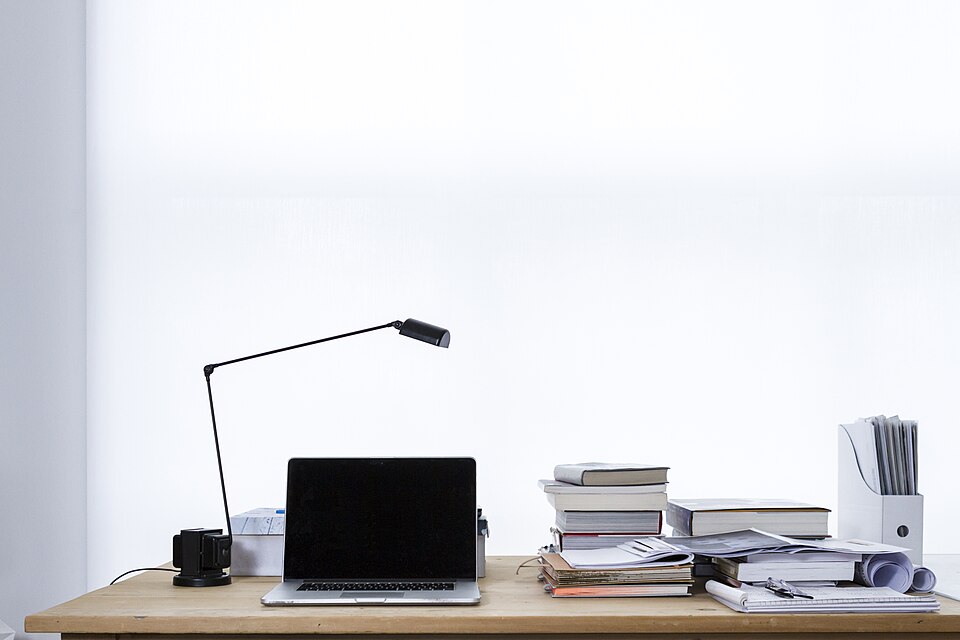
Photo: freddie marriage fredmarriage, CC0, via Wikimedia Commons.